A custom card starts with a background, and until now that meant a flat color or digging through your gallery for something to crop. Deck Builder 3.11.0 gives the Card Designer a set of thirteen AI-generated backgrounds, painted as native card-shaped portraits, so they fill the card perfectly with no cropping and no white margins.
Where to find them
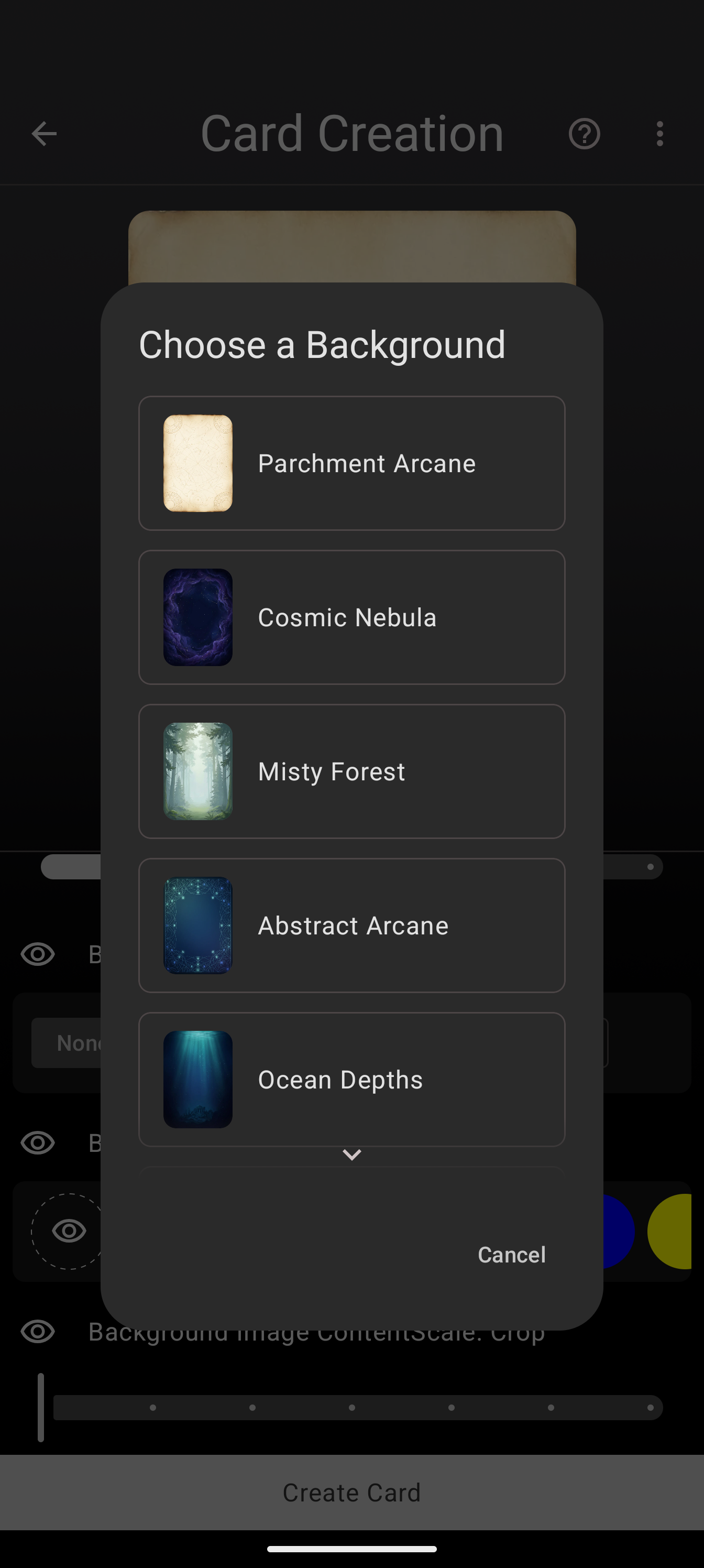
Open any deck, tap +, and choose Design Card. Pick a starting layout (or open an existing design), and scroll to the Background Color section. The dashed mosaic button opens the background picker, and the AI presets sit at the top of the list, each with a card-shaped preview that shows exactly how it will crop.
The presets
The collection covers the obvious fantasy moods: Parchment Arcane for aged-paper scrolls, Cosmic Nebula for space opera, Misty Forest and Ocean Depths for atmosphere, Royal Damask for regal boards. Batch 2 adds the text-friendly neutrals: Clean Slate, Ledger, Stat Block, Nordic, and Meadow, painted with quiet, low-contrast detail so your text fields stay readable on top of them.
Clean Slate is the new default
Fresh designs no longer open on a flat gray canvas. Every new design starts on Clean Slate, a calm neutral portrait, so your card looks like a card from the first second. Swap it for any other preset in one tap.
Applying and tuning
Tap a preset and it applies instantly: the preview updates, and the Background Image ContentScale slider appears so you can zoom or reframe the backdrop without stretching it. The old paths are still there too: the + button pulls a background from your gallery, the camera button takes one on the spot, and the color swatches still work for flat-color designs.
Every preset is rendered at card proportions, which means no matter how you tune the scale slider, the crop stays sharp and the frame stays filled. And because the background is stored like any image you would pick yourself, it survives export, sync, and re-editing.
The designer is free to use in Deck Builder on Google Play and the web app. Show us what you make on the Discord, or support development on Patreon.
