Deck Builder collections combine several decks into one draw session. Until now, each member deck brought its own card back, so a mixed pile always looked mixed. With 3.9.0, a collection can define its own card back, and every deck in it that does not set its own back inherits it. Your whole collection finally looks like one deck when you draw from it.
How the inheritance works
The resolution order is always: card, then deck, then collection, then standard. A card with its own back always wins. A deck with its own default back beats the collection. Everything else falls back to the collection back, and if a collection does not set one, the standard back applies as before. Setting a collection back never overwrites anything a deck or card already defines.
Setting a collection card back
- Open Deck Management and switch to the Collections tab.
- Tap your collection to open it.
- Tap the gear icon to open the collection settings.
- Find Collection Card Back and tap Select.
- Pick the source: design a new back in the Card Designer, scan one, choose an image from your gallery, or use the back of any card from any of your decks.
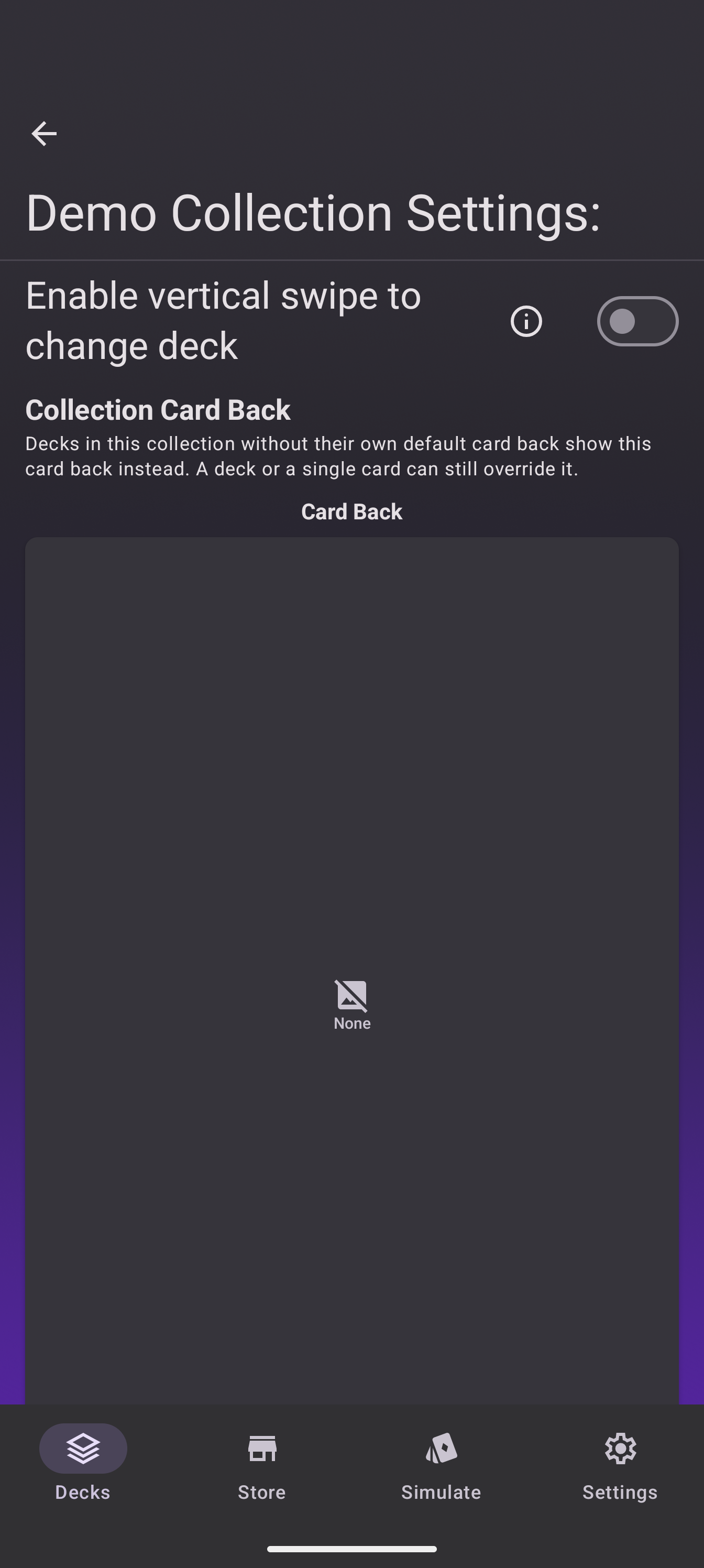
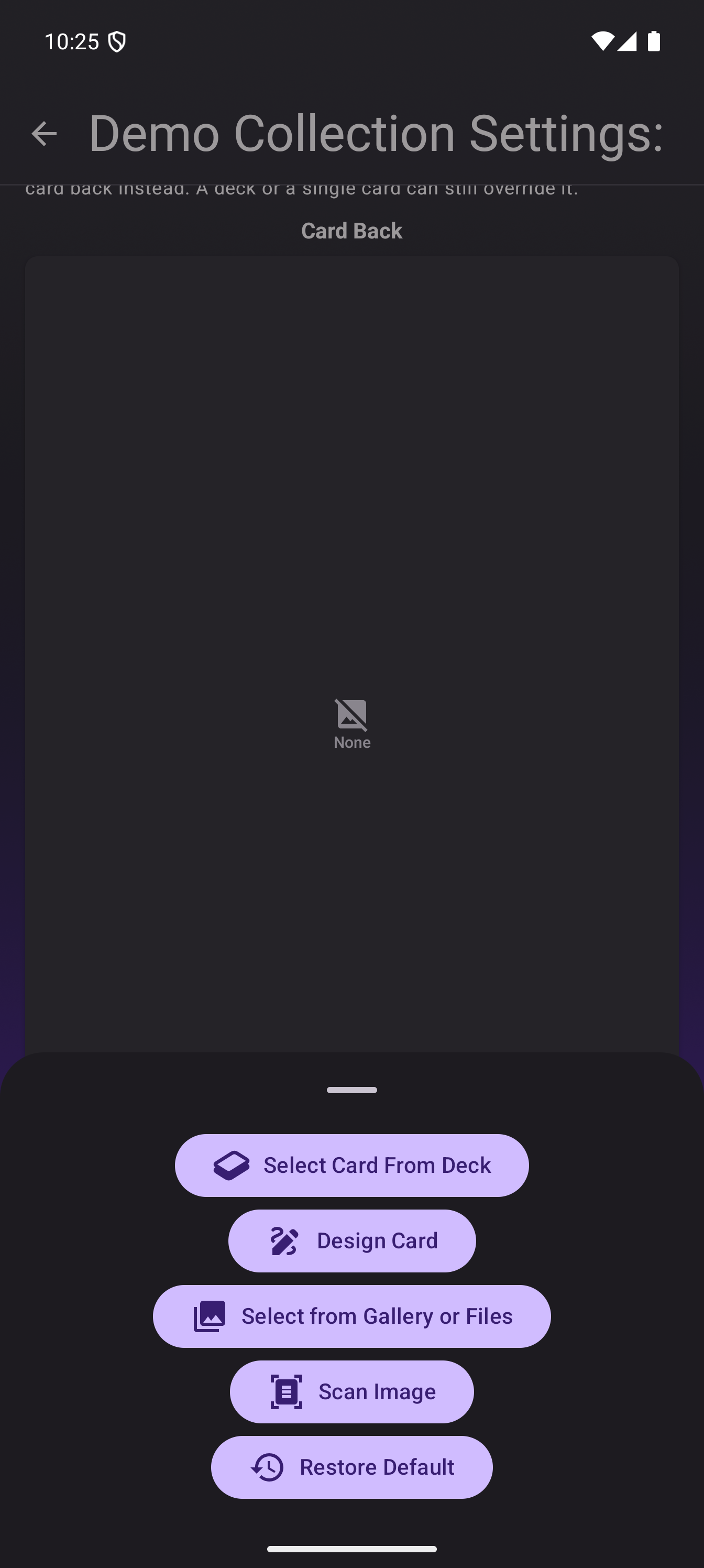
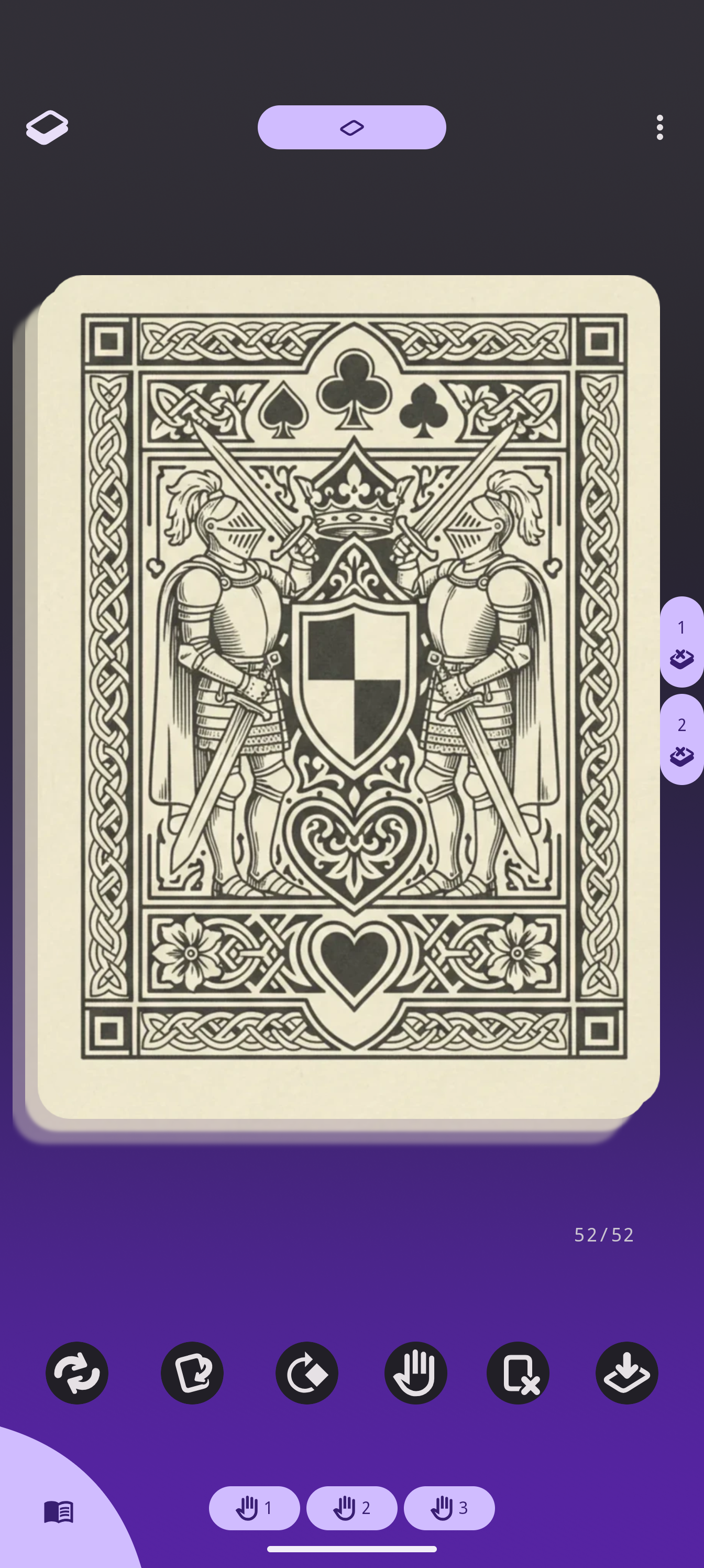
The back applies immediately. Here the collection uses the Ace of Clubs as its back, and the draw pile of a member deck without its own back shows it:
Changing or removing it
The setting shows a preview and a Change button. Removing the collection back returns every member deck without its own back to the standard back. Decks that define their own back are never touched, in either direction.
Who is this for
Anyone who plays with themed collections: a tarot set and an oracle deck in one session that should present one back, a multi-deck boss fight where every deck belongs to the same game, or a convention kit where you want everything to look like one product.
Going further
- Deck-level default backs work the same way, from the deck settings.
- The Discord is the place to show off what you built.
