Found a deck in the Deck Store worth passing on? Deck Builder 3.6.0 lets you share it with a single link. Thanks to Android App Links, opening that link on a device with Deck Builder installed jumps straight to the deck in the app instead of a web page.
Share from a deck’s page
Open any deck in the Store tab, then tap the ⋮ menu in the top-right and choose Share deck.
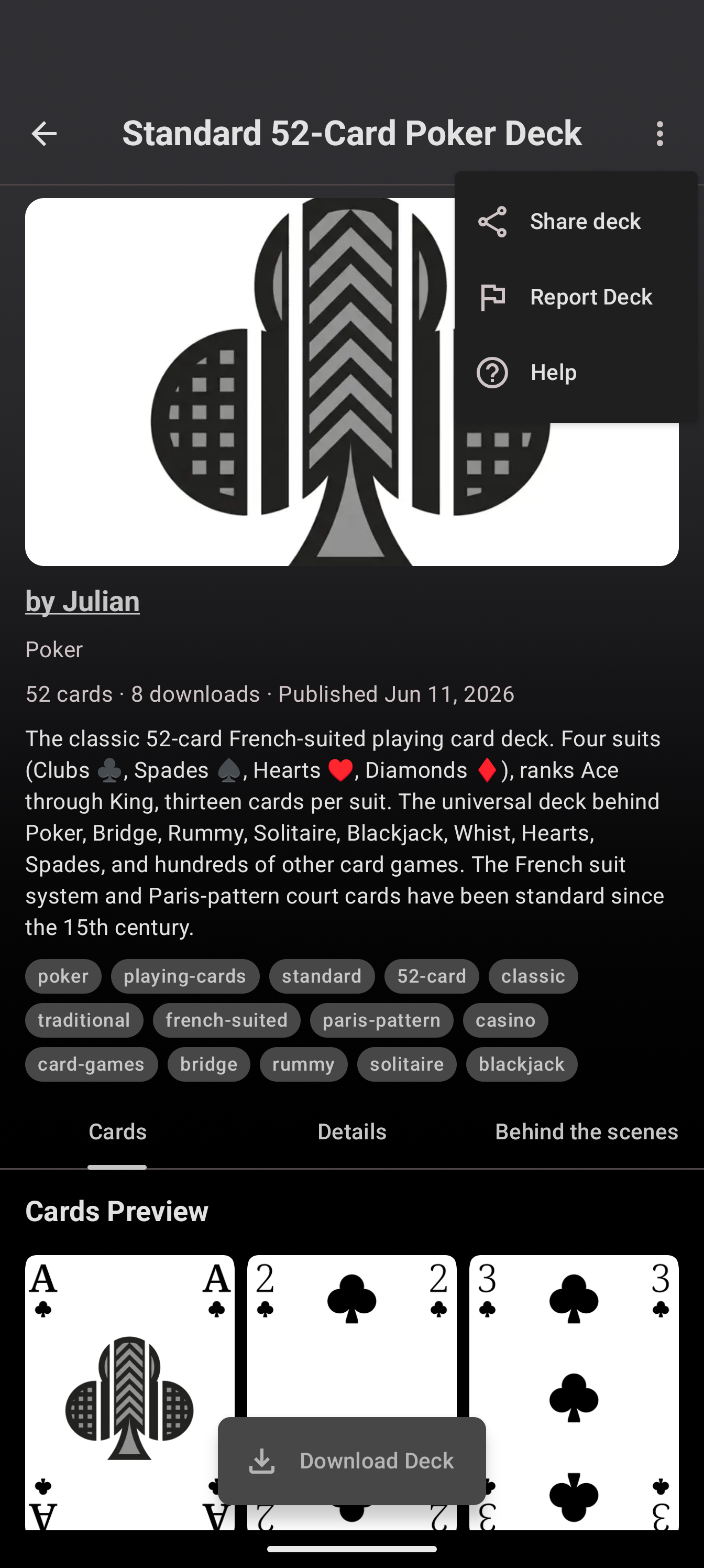
Your device’s share sheet appears with a ready-made message and a link like https://deckbuilderapp.app/store/<id>. Send it however you like: chat, email, a forum post, or a social message.
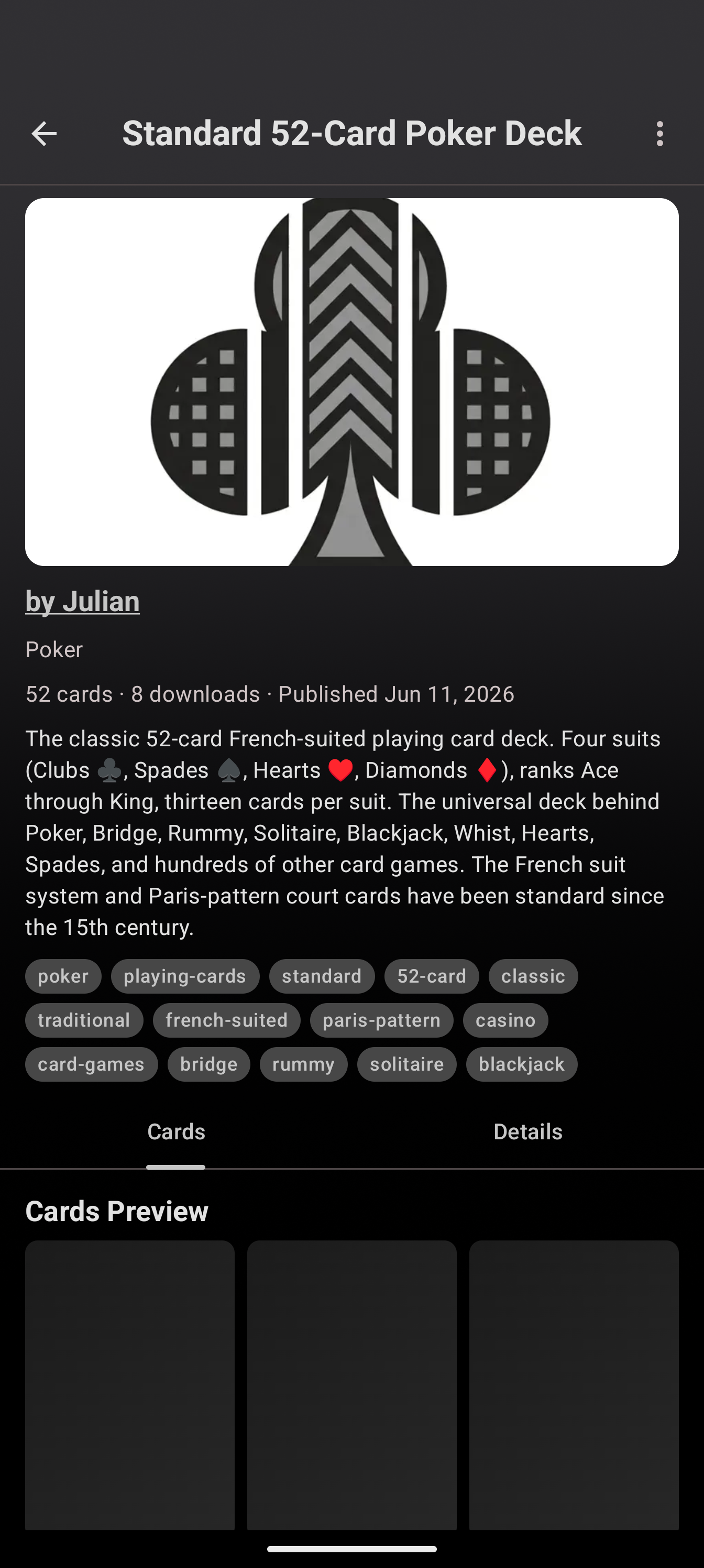
What the recipient sees
- On Android with Deck Builder installed: the link opens the app directly on that deck’s page, ready to download.
- Anywhere else: the same link works as a normal web address, so nobody is left out.
It is the simplest way to point someone at exactly the deck you mean.
Update to Deck Builder 3.6.0 from Google Play, and see everything new in 3.6.0.
