A card app lives and dies by how the cards feel in your hand. Deck Builder 3.6.0 reworks the draw screen so swiping and drawing respond the instant you touch a card, and the pile keeps up even when you draw fast.
Draw the way you play
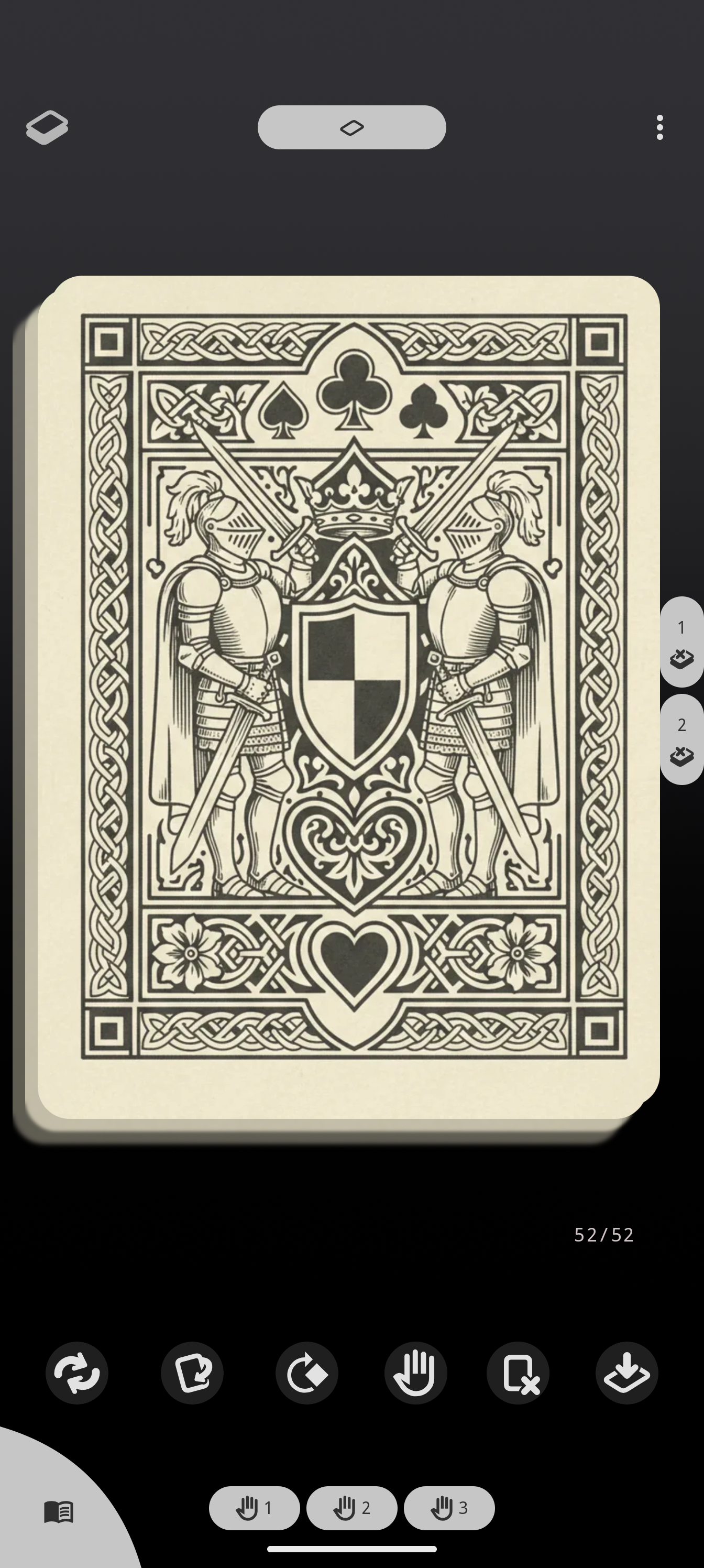
Open any deck from the Simulate tab to start a session. The top of the draw pile is a real card you can flick: swipe to send it to a hand zone, the discard pile, or into play.
What got faster
- Instant swipes. A swipe now commits on the fling’s decided target the moment you release, instead of waiting for an animation to finish, so a quick flick draws right away.
- The pile keeps up in bursts. Drawing several cards in quick succession no longer stutters; the rise of the remaining pile is coalesced so rapid single-finger swipes stay smooth.
- No hitches on save. Saving your session’s state happens off the main path, so it never interrupts the animation.
There is nothing to turn on: update and the draw screen simply feels quicker.
Update to Deck Builder 3.6.0 from Google Play, and see everything new in 3.6.0.
