A card file (.dbpc) is a single card packaged with everything that makes it that card: its artwork, its fields, its own card back, and its Card Designer scene, so whoever opens it can keep editing the design rather than inheriting a flat picture. Deck Builder can now share several at once, and import a batch in one go.
This is for the case where you do not want to move a whole deck. You have designed four cards you are happy with and want them on your tablet, or you want to hand a collaborator the three cards you just rebalanced without shipping the other fifty-seven.
How to share a set of cards
- Open the deck that holds the cards.
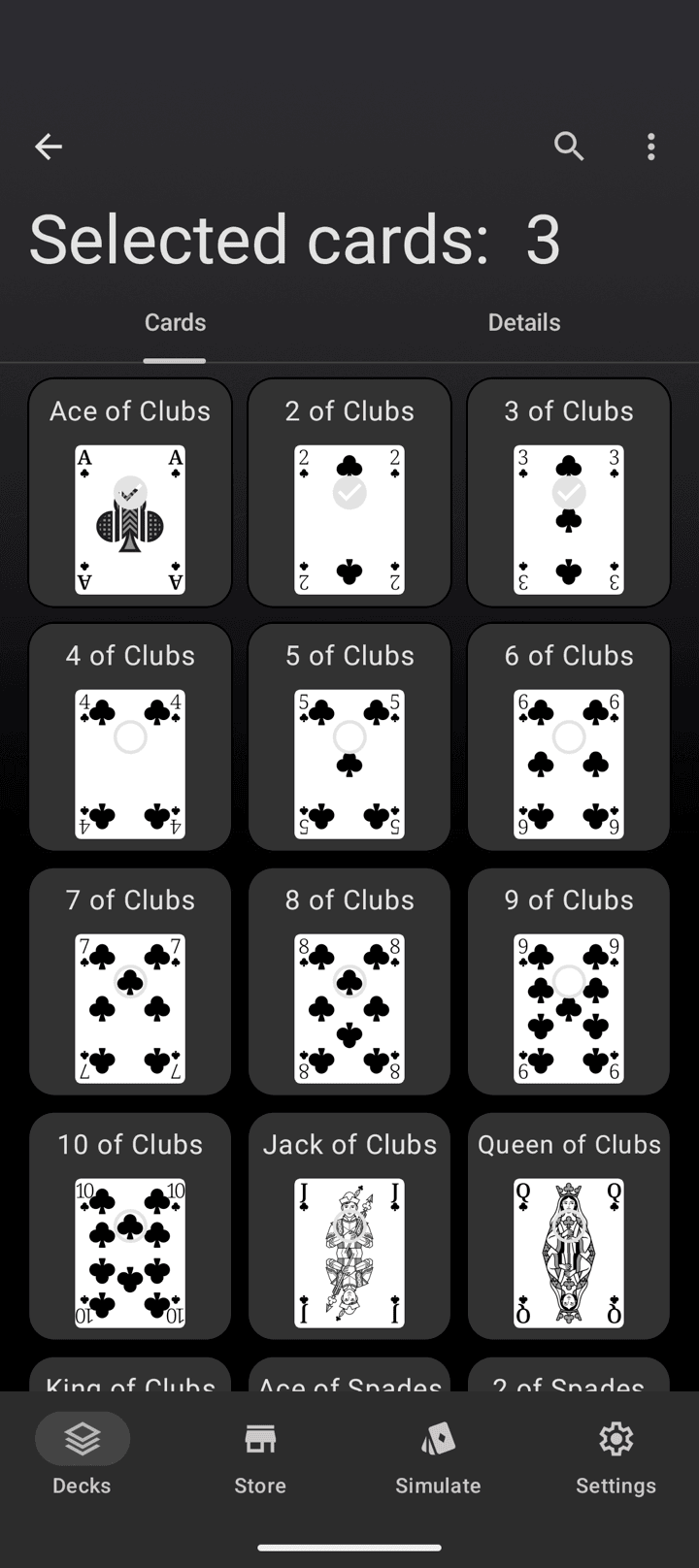
- Tap the ⋮ menu in the top bar and choose Select Cards.
- Tap each card you want. The title bar counts your selection as you go.
- Open the ⋮ menu again and choose Share as card files.
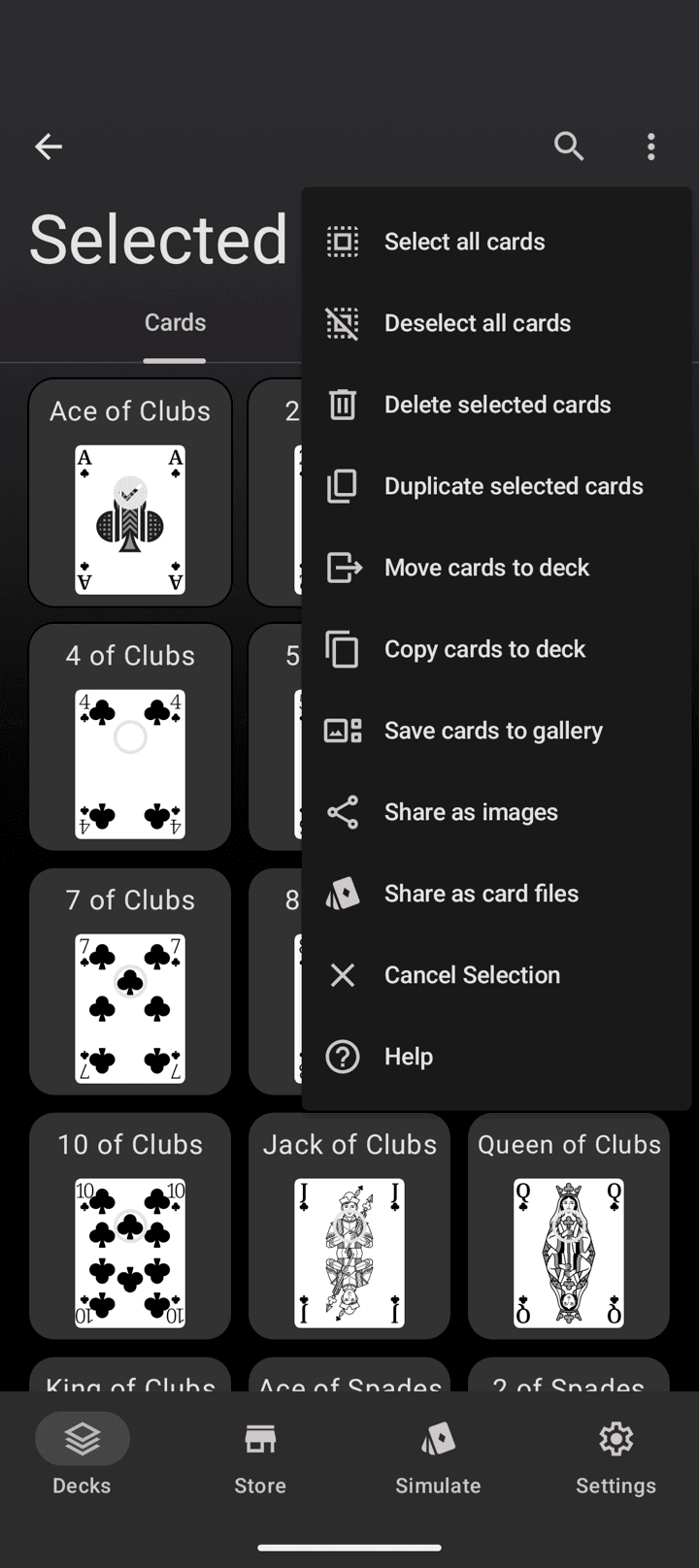
Deck Builder writes one .dbpc file per selected card and hands the whole set to your share sheet at once, so they can go to a cloud drive, a chat, or straight to another device in a single action.
How to import several card files
The card-file import route now takes more than one file at a time.
- Open the deck you want the cards to land in.
- Tap the ⋮ menu and choose Import Card.
- Select as many
.dbpcfiles as you like in the picker.
One file behaves exactly as before and takes you to the imported card. A batch imports in sequence, quietly skips anything that is not a card file, and finishes with a summary telling you how many of how many arrived.
What travels, and what does not
- The design travels. The Card Designer scene is written into the file, so a designed card reopens as an editable scene, not a flattened image.
- Uploaded art travels. Artwork stored in the app is embedded in the file.
- Linked art stays a link. A card whose art is a web URL keeps the link rather than copying someone else’s image, so Share as card files is unavailable for a selection containing cards with external artwork. This is deliberate: ownership of a linked image cannot be verified, so links stay links.
Card files versus deck files
Use a card file (.dbpc) for a handful of cards, when the deck around them does not matter. Use a deck file (.dbpd) when you want the whole deck, its settings and its card backs to move together. If you are exporting a deck for other people to play, see exporting print-ready cards, and if you are bringing cards in from a spreadsheet instead, see importing a deck from CSV or JSON.
Card files also cross platforms: a card designed in the browser reads on Android and back again.
Update to Deck Builder 3.8.0 from Google Play to use it, and see everything new in 3.8.0.
